Game Is Hard Level 21: Say Cheese!
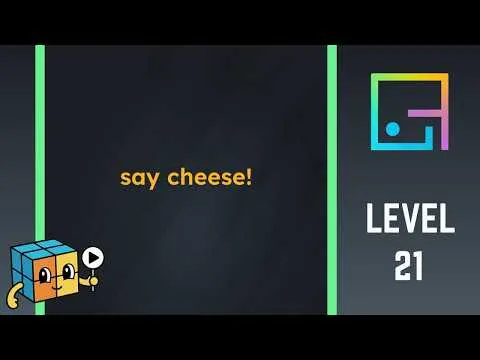
This phone puzzle is not the Roblox park. The screen is a black field with yellow words: say cheese. The Roblox guide is here if that is the game you wanted.
Screenshot, then Play
Three answer sites, including one that marks the step verified, say the level listens for the system screenshot. After the system takes the picture, a green Play button appears. Press it.
- Most Android phones: Power and Volume Down.
- Face ID iPhone: Side and Volume Up.
- Older iPhone: Power and Home.
- An emulator: the sidebar screenshot control.
Some versions number the grid differently. Those sites say to match the picture, not the printed index, if "21" lands on another drawing.
The other method
gameishard.app describes a different path: tap a bulb at the lower right, slide a gray panel up, drag the panel down, wait for a camera view, and hit the shutter. It also talks about the square being numbered 22. I am not folding that into the screenshot steps. If the green Play button never shows after a real system screenshot, that second writeup is the dissent to try, and it is one source against three.
The developer on the store listings is Unico Studio. I did not find an official solution post, so both methods stay labeled as answer-site methods.
Sources
- gameishard.wiki
- gameishard.org
- thegameishard.org
- gameishard.app — differing light-bulb account
- Apple — iPhone screenshot buttons
- Google — Android screenshots
- Official App Store listing
- Puzzle Game Answer video
Checked 2026-11-02.